
void◆sprite
voidsprite
free, open-source pixel art editor written in C++ on the SDL3 framework
Source code on GitHub
Latest CI builds on nightly.link
Community Discord Server here

- free and open-source
- fast
- only pixel-perfect scaling
- obscure format support
- indexed mode
- on-canvas comments
- [custom] patterns
- [custom] templates
- [custom] color palettes
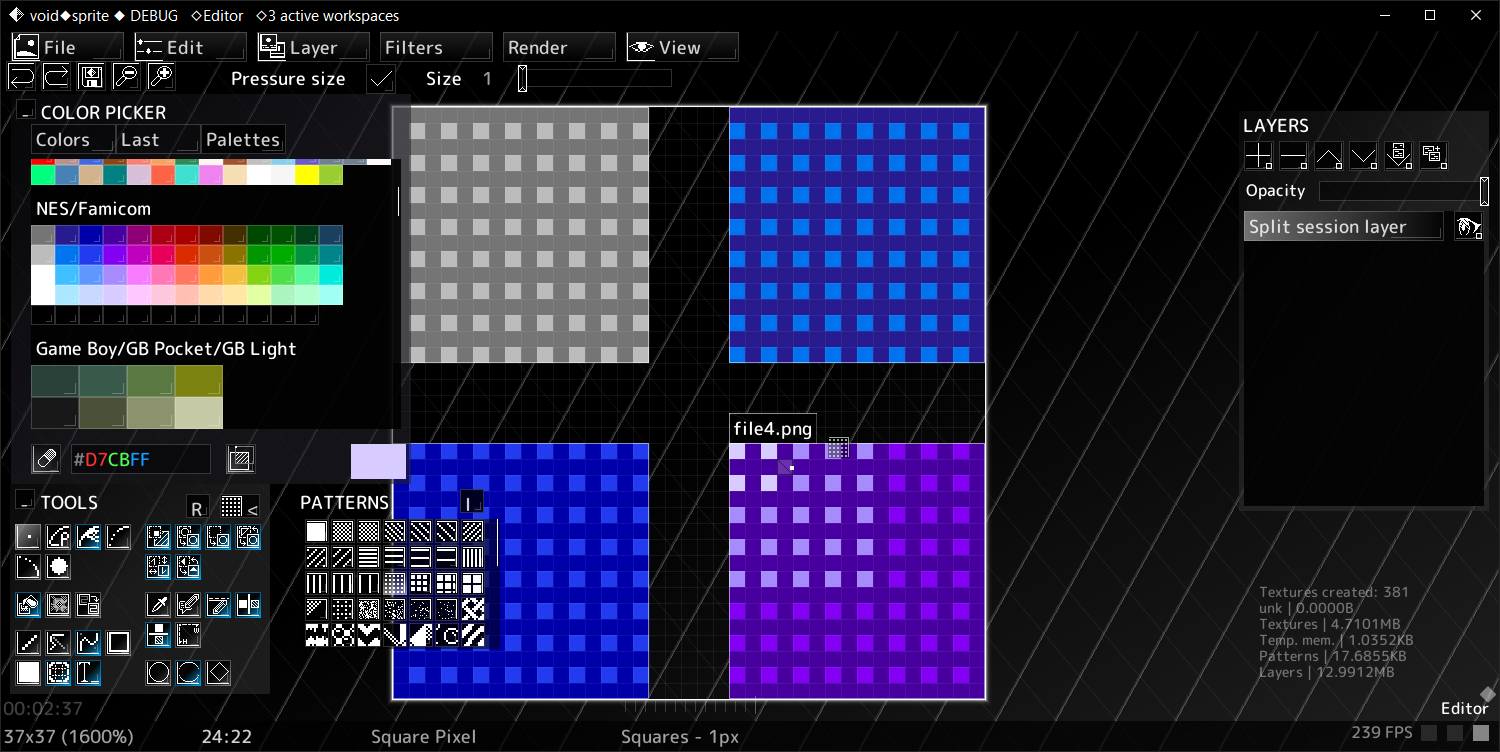
- split sessions [multiple files on one canvas]
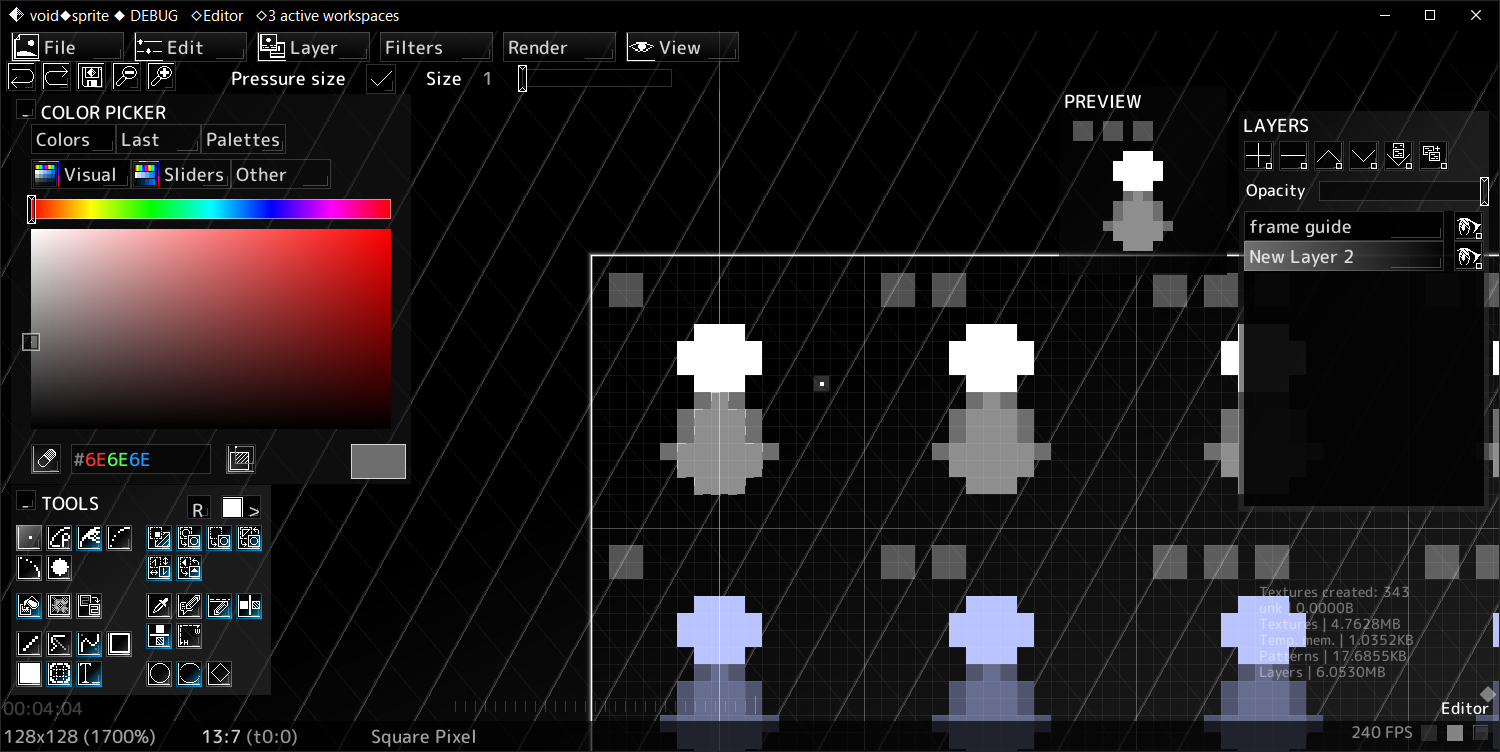
- spritesheet animation preview
- tileset preview
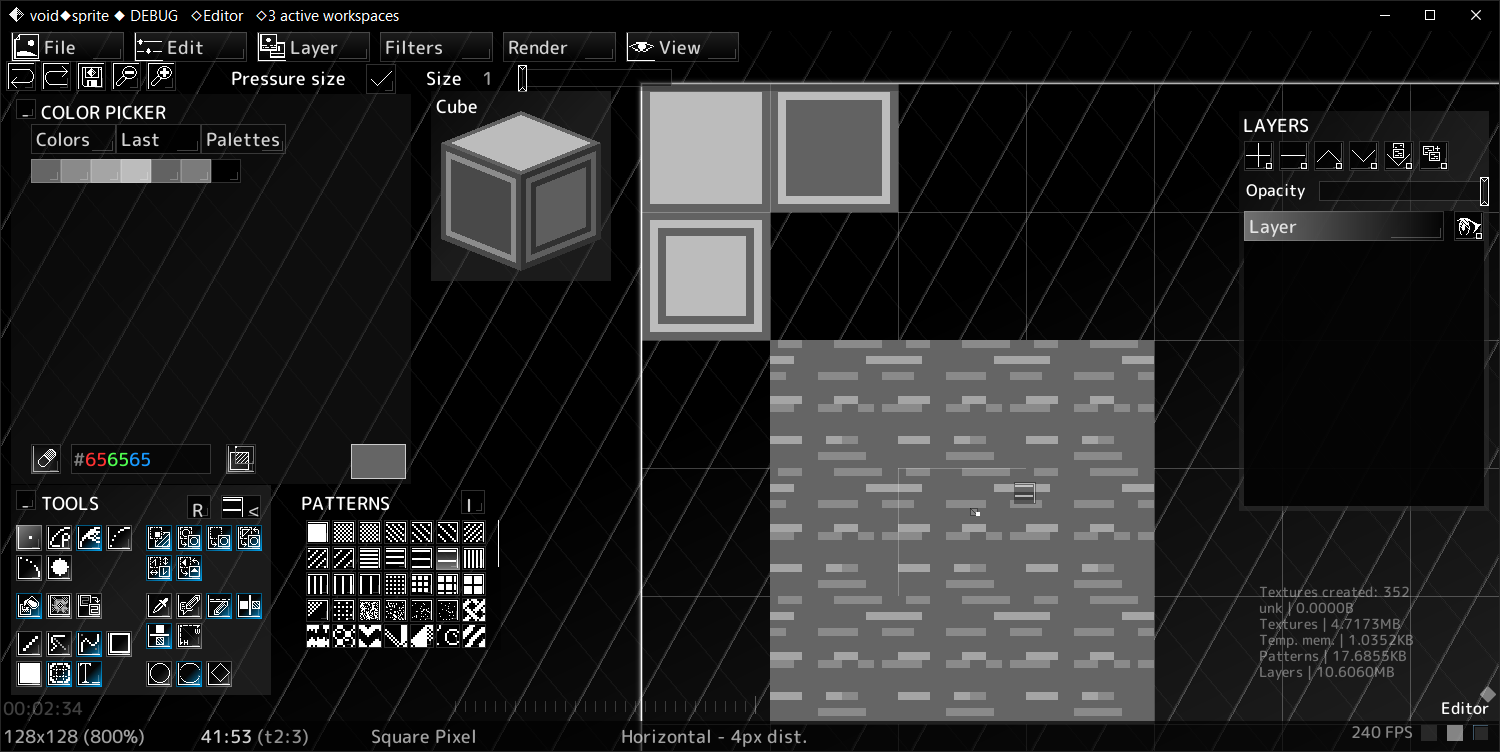
- 3D cube preview
- RPG Maker 2000/2003 map preview
- online real-time collab [beta]

◆import
- PNG
- BMP
- ORA (OpenRaster)
- XYZ (RPG Maker 2000/2003)
- AETEX (Atrophy Engine)
- TPL (Wii)
- DDS
- PBM (Cave Story)
- VTF
- Mario Paint save file (SRM)
- every other format supported by SDL3_Image
- many more
◆export
- PNG
- ORA (OpenRaster)
- XYZ (RPG Maker 2000/2003)
- BMP
- PBM (Cave Story)
- C code (as uint32_t array)
- Python code (as np.array [R,G,B,A])
- HTML code (as inline base64 image)
Full list of supported formats here

voidsprite is currently alpha software, any feedback/code contributions/suggestions/bug reports will be appreciated.
◆If you wish to support the project financially, you may download the voidsprite autoupdater for a separate price, which will automatically download latest in-development builds. Manual updates will remain free.
◆voidsprite autoupdater is available only for Windows 7 and newer.
◆Technical support for the autoupdater is available on the official Discord.

Licenses for libraries and fonts used in voidsprite can be found in the OPEN_SOURCE_LICENSES folder included with the download and in the GitHub repository.
Download
Click download now to get access to the following files:
Development log
- ◆Devlog 24 | Cubemaps and thumbnails5 days ago
- ◆Devlog 2334 days ago
- ◆Devlog 2266 days ago
- ◆Devlog 2197 days ago
- ◆Devlog 20Apr 10, 2026
- [Devlog 19]Mar 02, 2026
- GIFs! [Devlog 18]Feb 02, 2026
- Animations! [Devlog 17]Jan 03, 2026
Comments
Log in with itch.io to leave a comment.
Hey, I'm using Android (Redmi Note 11), but I don't know how to erase a pixel... Maybe I'm dumb, but I really don't see any eraser as a tool...
Use eraser mode, you can toggle it with a button in the bottom left corner of the color picker
Hey wanted to let you know I was testing out your Android version of this app and it doesn't work all that well with tablets/iPad size Androids. There might have have been like instructions on how to install for said devices that I haven't seen them or maybe they were hidden in the files either way works on my phone does not work all that well on my tablet
☺️☺️☺️
That's odd, I myself primarily use it on an Android tablet (a Galaxy Tab S7 FE to be precise) and I'm not seeing any major issues, is it just the lack of install instructions?
*Just added Android install instructions into the "Download & install instructions" section that shows up when downloading files
maybe the instructions will explain what's going on with it I did download it through the Android fan installer the Mitch so maybe that file just kind of up and disappears on me
program I also recall it not actually drawing anything
but I was able to move around enclosed tabs like the layers and the color selector
I'll give it another try maybe download it through like the browsers instead of Mitch...
Thanks for your report, voidsprite should now be installable through Mitch.
To draw using touch, open the touch mode panel with `View` > `Open touch mode panel...`. This lets you change what touch input does ("Pan", "Mouse Left" or "Mouse Right")
In the next update, I'll make it open automatically when using a touch screen.
Dawww! Thank you!!
Oh my God! This software is absolutely mind-blowing! I love it!
Pob: saves el contexto 👀
dame un pedazo de ese contexto 👀
good shit, i really appreciate seeing an rpg maker focused editor even down to including premade templates for rpg maker files :D
Hello, I liked the idea of the program, but I want a Linux version AppImage
Hello! We will do our best to provide an AppImage release next update. Could you, please, provide information regarding the distributive you are running?
Zorin OS 17.2
That's really cool!
We are glad to hear that!
that's kinda like aseprite
and paint.net with plugins
Hello! This program only shares a similarity with Aseprite in the fact that both are graphical editing software. Could you, please, elaborate on why do you say so?
this is very awesome cant wait more updates